
-
UC MINI Browser

Is UC Mini Browser Safe? Privacy Facts, Real Risks and a Safe Download Checklist
It is a fair question, and you will not get a marketing answer here. Is UC Mini browser safe? The short version is that it is not a virus, it is listed on Google Play and millions of people use it, but the UC family of browsers has a documented history of privacy and security criticism. Whether it suits you…
Read More » -
UC MINI Browser
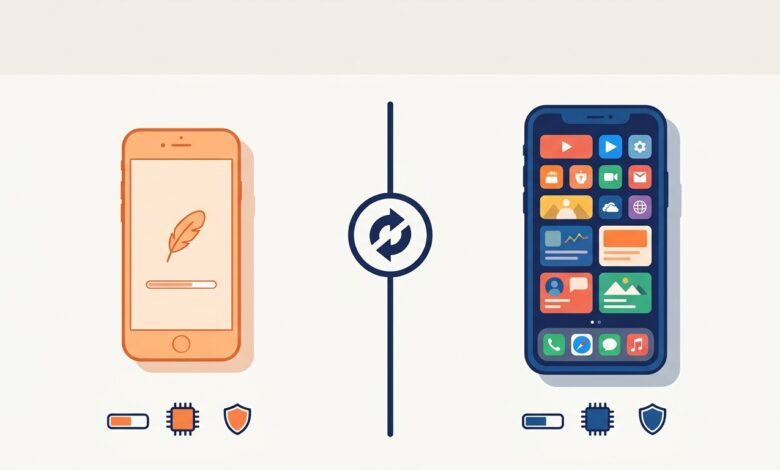
UC Browser vs UC Mini: Differences, Downloads and Which One Fits Your Phone
The names are nearly identical, the icons look alike and the download pages often sit side by side, so it is easy to grab the wrong one. People type uc browser apk, ucbrowser download or uc browser app when they actually want the lighter app, and the reverse happens too. This article explains exactly how UC Browser and UC Mini…
Read More » -
UC MINI Browser
UC Mini 2026: Latest Builds, Features and Whether You Should Updat
What does UC Mini 2026 actually look like? If you hoped for a dramatic redesign, the honest answer is no. The uc mini app remains a compact Android browser built around speed, data saving and simple downloads. What has changed is the packaging: recent builds are larger than the ultra-small releases of the past, and the app leans harder on…
Read More » -
UC MINI Browser
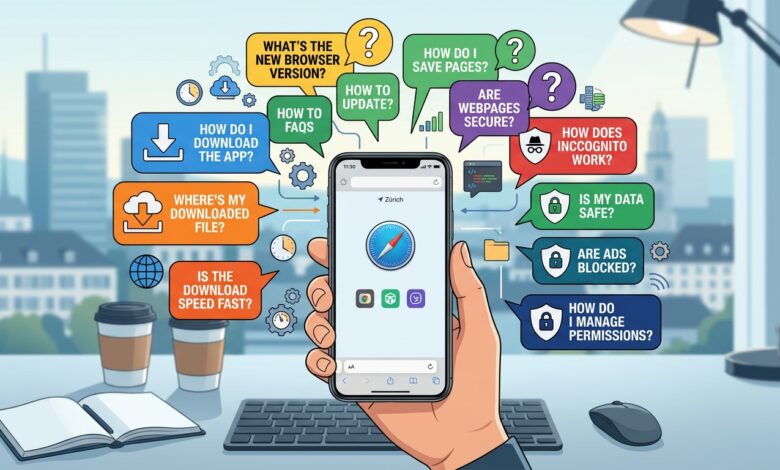
UC Mini Browser FAQ: Download, APK and Install Answers (Refreshed for 2026)
Whether you landed here from an old UC Mini browser FAQ 2022 page or from a fresh search, this is the version that matches how things look today. Below you will find short, direct answers to the questions people ask most about downloading, installing and using UC Mini. Each answer links to a deeper guide when you want more detail.…
Read More » -
UC MINI Browser

UC Mini Browser Install: A Step-by-Step Guide for Android Phones
Getting through a UC Mini Browser install should take about two minutes, yet plenty of people get stuck on a permission screen or an “App not installed” message. This guide removes the guesswork. You will see the two main methods, how Android’s install settings differ by version, what to check on first launch and how to fix the errors that…
Read More » -
UC MINI Browser

UC Mini Browser Download for PC: Does It Exist, and How to Run It on Windows
If you typed UC Mini Browser download for PC into a search bar, you probably expected a simple installer. Here is the honest situation: UC Mini is an Android app, and it does not have an official Windows version. That does not mean you are out of luck. With an Android emulator you can run the app in a window…
Read More » -
UC MINI Browser
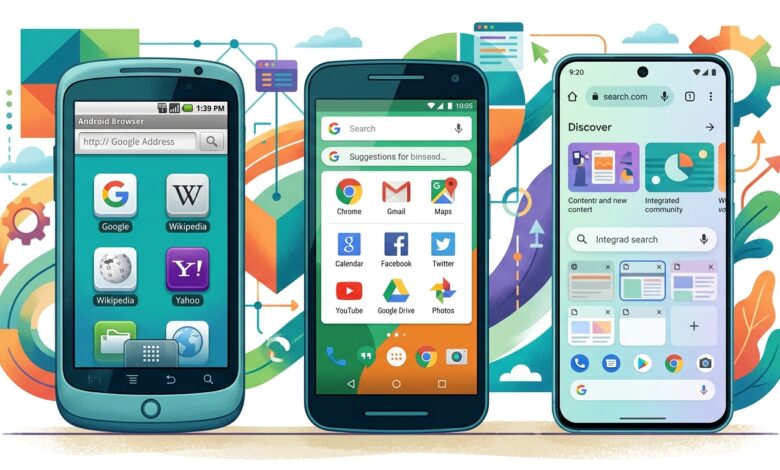
UC Mini Download Old Version: Which Legacy Build Fits Your Android Phone?
Searching for a UC Mini download old version usually means one of two things. Either your phone is too old for the current release, or a recent update made the app slower, heavier or more cluttered than you like. Both reasons are completely valid, and both have clean solutions. This page maps the older uc mini apk generations to the…
Read More » -
UC MINI Browser

UC Mini APK Download: Latest Version, File Size & Safe Install Tips
A UC Mini APK download is the quickest way to put this lightweight browser on an Android phone when the store listing is missing, slow or not available in your country. The catch is that not every file you find is genuine, and not every version suits every phone. This page shows you how to choose the right uc mini…
Read More » -
UC MINI Browser
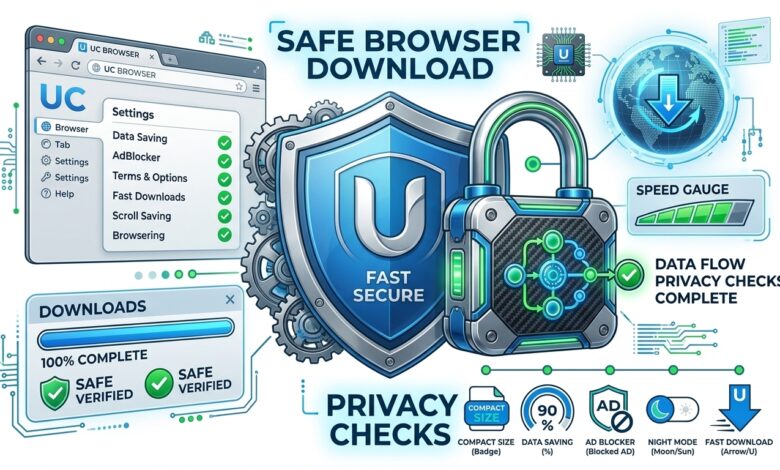
UC Mini Browser Download: The Complete Guide to APK, Latest Version, PC & Safe Install (2026)
If you are hunting for a UC Mini browser download that actually works on your phone, you are in the right place. UC Mini is the featherweight sibling of the better-known UC Browser, built for Android phones with limited storage, slow connections and modest hardware. This guide walks you through every route: the standard Android install, the UC Mini APK…
Read More » -
Tutorial

How to Write an Instagram Caption?
Stop! Before you scroll past, ask yourself, does your caption make people stop, stare, and act? Learning to write Instagram captions is no longer optional; it’s the secret weapon of creators who explode on this platform. Words can spark curiosity, stir emotion, and turn viewers into loyal fans. Every post is a chance to connect, inspire, and dominate the feed.…
Read More »