Think your Instagram inbox is just a bunch of random messages? Think again! Hidden in the chaos could be a life-changing brand deal, a collaboration request, or a follower reaching out with a golden opportunity. Losing these messages just because they got buried? Unthinkable.
The secret? Get primary and general messages on Instagram and turn your crowded DMs into a perfectly organized hub. In this guide, you’ll discover how to separate what matters from what doesn’t, filter conversations like a pro, and make sure every important message lands right where it should, front and center.
At first an important point for Instagram fans: If you want to save your favorite content without stress and within the framework of Instagram rules, we suggest using our ucmini Instagram download tools. These tools will help you download and archive videos, stories, and reels in the highest quality without violating Instagram limit 2026.
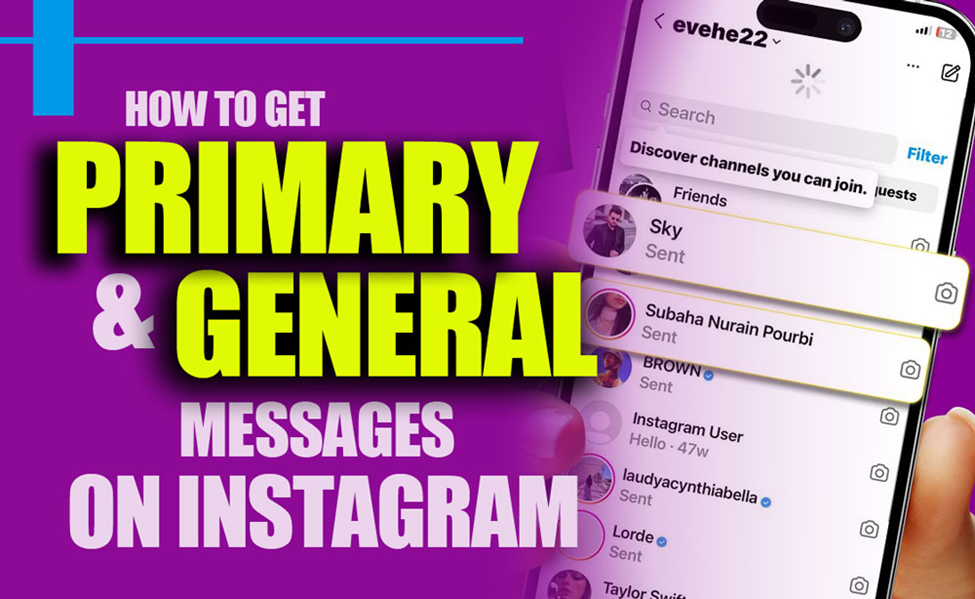
What Are the Primary and General Messages on Instagram?
Managing your Instagram inbox is much easier with the Primary and General tabs. By using them, you can separate urgent, high-priority conversations from casual or low-priority messages, giving you full control over your communication.
- Primary Tab: Your Priority Zone; keep essential messages here, like brand deals, collaboration requests, or messages from loyal followers. Notifications are on by default, so you’ll never miss an important message. This tab makes handling professional inquiries simple and helps you improve response time.
- General Tab: Your Read-Later List; place non-urgent messages here, such as casual chats, follower questions, or spam. Notifications are off, helping you stay focused and stress-free. Check this tab when convenient to maintain productivity.
How are Tabs Help You Manage and Organize Instagram DMs?
- Better organization: Quickly find important messages without digging through clutter.
- Increased productivity: Focus on high-priority DMs first, saving time and mental energy.
- Professional communication: Engage strategically with followers, clients, or collaborators, maintaining a polished presence.
In order to get primary and general Messages on Instagram switching to a Professional account and using these tabs transforms your Instagram inbox into a structured, efficient, and stress-free space, helping you stay on top of every opportunity.
How to Enable Primary & General Message Tabs on Instagram?
To unlock the Instagram primary and general messages tabs, you need a Professional account (Creator or Business). By switching, you gain access to powerful messaging tools that help you manage conversations efficiently and separate what matters from what doesn’t.
Professional accounts give you insights, analytics, and access to tools that help grow your presence and manage your audience like a pro.
Here’s how to switch to a professional account step by step:
- Open Instagram and go to your Profile.
- Tap the three lines in the top-right corner.
- Navigate to Settings > Account.
- Select Switch to Professional Account and follow the prompts.
How to Easily Move Messages Between Primary & General Tabs on Instagram?
Taking full control of your Instagram DMs has never been easier. Knowing how to get primary and general messages on Instagram and move them between tabs helps you keep your inbox organized, prioritize important conversations, and reduce clutter, so you can focus on what really matters. Here’s how to do it in three simple steps:
- Open the Conversation: Tap the DM you want to move. Before moving, decide whether this message needs immediate attention or can wait. This small step ensures your inbox stays structured and efficient.
- Hit the Three Dots: Look for the three dots in the top-right corner of the chat and tap them. This opens a menu of quick actions, giving you full control over that conversation.
- Move the Message: Select “Move to General” or “Move to Primary,” depending on where the conversation belongs. Once moved, your inbox becomes cleaner, making it easier to spot priority messages at a glance.

How to Unlock Your Instagram Inbox’s Full Potential?
Want to take control of your Instagram inbox and never skip an important message?
By learning how to get primary and general messages on Instagram, you can separate urgent conversations from casual chats, prioritize important opportunities, and keep your DMs clean and organized.
- Open Your Inbox: Start by opening your Instagram DMs and take note of which messages are high-priority and which can wait. This helps you plan how to organize your DMs efficiently.
- Sort Your Messages: Move important conversations to the Primary tab and casual or low-priority chats to the General tab. Keeping messages in the right tab ensures your inbox stays structured and easy to manage.
- Set Up Automated Replies: Use tools to automate responses for common questions, greetings, or routine messages. Automation saves time, maintains consistency, and ensures followers or clients always get a prompt reply.
- Review Regularly: Check your tabs daily or weekly, move messages as needed, and update automated replies to keep your communication smooth and professional.
| Tip | Description | Benefit |
| Primary Tab | Important messages | Notifications on, quick responses |
| General Tab | Less important messages | Focus on priority messages |
| Professional Account | Creator or Business | Access tabs and management tools |
| Move Messages | Between Primary and General | Organize your inbox |
| Notifications | Primary on, General off | Reduce distractions |
| Auto Replies | Respond to common questions | Save time |
| Regular Review | Daily or weekly | Keep inbox organized |
Where Did My Instagram Message Go?
Sometimes an Instagram message seems to disappear even though the sender says they sent it. In many cases, the message has not actually disappeared. It may simply be sitting in a different part of your inbox.
Instagram can separate conversations into different areas, including Primary, General, and Message Requests. Knowing where to look can save you from missing an important conversation.
Check Primary and General First
If you already have a Professional account, start by checking both the Primary and General tabs.
Primary is usually the place for conversations you want to keep visible and prioritize. General works more like a secondary inbox for conversations that do not need your immediate attention.
If you previously moved a conversation from Primary to General, new messages from that conversation may continue appearing there. So checking only Primary can make it look as if the message is missing.
Check Message Requests
If someone you don’t follow sends you a message, it may appear in Message Requests instead of your main inbox.
This is particularly important for creators, businesses, and public accounts. A potential customer, collaboration partner, or new follower can contact you without appearing directly in Primary or General.
Before assuming that Instagram lost a message, open your Requests section and check whether the conversation is waiting for your response.
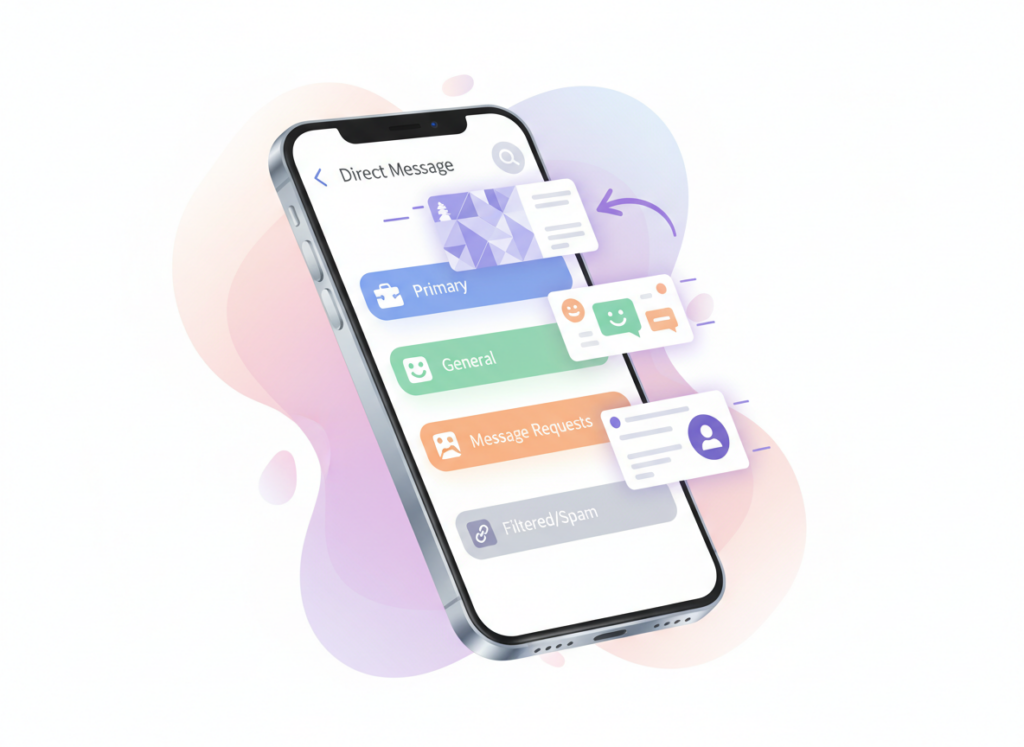
What About Spam or Hidden Requests?
Some messages may be filtered because Instagram considers them suspicious or potentially unwanted.
If you’re expecting a message from someone you don’t know, checking your filtered or spam-related message area can be worthwhile. This is especially useful when the sender says the message was sent successfully but you cannot find it in your normal inbox.
A Simple Instagram DM Checklist
If you cannot find an Instagram message, check these areas in order:
| Where to Check | What You May Find |
|---|---|
| Primary | Important or active conversations |
| General | Lower-priority conversations you moved or kept for later |
| Requests | Messages from people you haven’t accepted or don’t follow |
| Spam or filtered messages | Messages Instagram considers suspicious or unwanted |
Also make sure you are checking the correct Instagram account. If you manage multiple accounts, it is easy to open the wrong inbox and assume a message is missing.
Why You Should Check Requests Regularly
For personal accounts, missing a request may simply mean missing a message from someone new. For creators and businesses, however, the consequences can be bigger.
A message request could be a customer question, collaboration opportunity, partnership inquiry, or another conversation that matters to your account.
A simple habit can help:
Check Primary → Check General → Check Requests → Review filtered messages
This takes only a moment but can prevent important conversations from getting buried in your Instagram inbox.
In the end, don’t let a simple glitch stop your creativity! Discover all the quick fixes in our full guide How to Fix Instagram Update Bug in 2026 and keep your Instagram running perfectly in 2026.
Conclusion
Mastering your Instagram DMs isn’t just about staying organized; it’s about making every conversation count. By learning how to get primary and general messages on Instagram, you can keep your inbox efficient, prioritize important chats, save time, and engage better with followers, clients, and collaborators.
Now it’s your turn! Let’s take action. How do you manage your Instagram DMs to stay on top of important messages? Which tool do you use most to organize your inbox efficiently? Share this post with a friend who wants to master their Instagram DMs. Save this guide so you can reference it whenever you need to streamline your messages.
Why doesn’t my Instagram have Primary and General?
You need a Professional account (Creator or Business) to access Primary and General inbox tabs.
How do I change my DM settings on Instagram?
Go to Settings > Messages > Message Controls to manage who can send or reply to you.
How do I turn on notifications for General messages on Instagram?
Go to Settings > Notifications > Messages and make sure “General messages” is toggled on.
How to move chat from Primary to General?
Open the chat, tap the three dots at the top, then select “Move to General.”
What is the difference between Primary and General messages on Instagram?
Primary is for important messages with notifications. General is for less urgent chats; notifications are off by default.