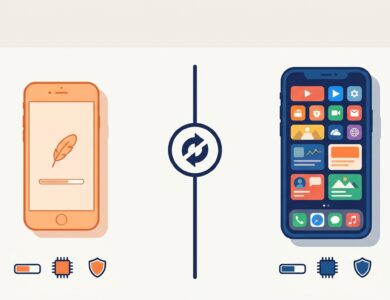
What does UC Mini 2026 actually look like? If you hoped for a dramatic redesign, the honest answer is no. The uc mini app remains a compact Android browser built around speed, data saving and simple downloads. What has changed is the packaging: recent builds are larger than the ultra-small releases of the past, and the app leans harder on video features. This page walks through what public listings show for 2026, who benefits from updating and how to judge a new build before you install it. For the full overview, see our main UC Mini browser download guide.
Quick answer: public APK listings show 12.x builds uploaded in March and April 2026, with file sizes around 23 MB. The Google Play listing shows an update in March 2026. The core idea is unchanged: a light browser with data saving, an ad blocker and a download manager.
What Is New in UC Mini for 2026?
Rather than inventing a feature list, here is what can be confirmed from public sources. Tracking data for the Google Play listing shows a last update on March 9, 2026, a rating of about 4.3 and a review count in the millions. APK repositories show 12.x builds uploaded in March and April 2026. The listing name remains “UC Mini-Download Video Status”, which tells you where the developer’s focus lies: video and downloading.
Release notes for individual builds are often brief, sometimes limited to bug fixes. That is common for mature apps, and it means you should not expect headline features every time. If you want to read exact notes for your build, check the changelog on the source where you download it.
UC Mini App Features You Can Expect
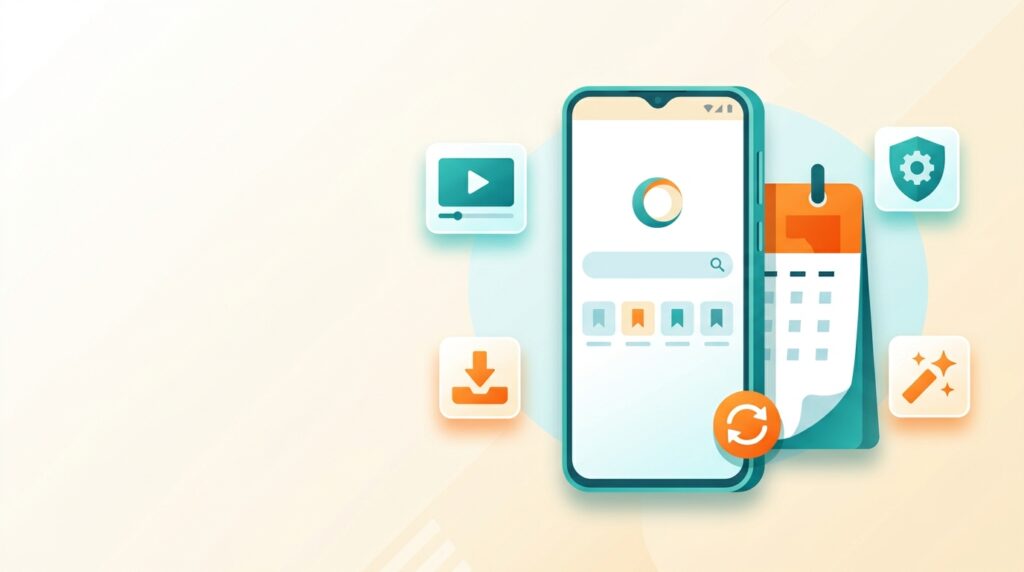
The store description for the current listing highlights these areas:
- Fast browsing: the developer promises quick searching and page loads.
- Video focus: the listing mentions movies, TV series, short funny clips and “star zone” categories for videos.
- Incognito mode: keeps history off the device.
- Ad blocker: trims different forms of web ads.
- Data saving and downloads: classic UC features that remain part of the package.
Notice how the video emphasis is stronger than in older descriptions, which centered on size and speed. If you only want a plain browser, you may find the content tiles unnecessary. We explain how to dial them down on the UC Mini Browser install page.
UC Mini 2026 vs the Classic Mini Builds
| Aspect | Classic builds | Recent 12.x builds |
|---|---|---|
| Package size | A few megabytes or less | Roughly 14 to 46 MB in listings, with recent builds near 23 MB |
| Main pitch | Tiny size and fast browsing | Fast browsing plus video content and downloads |
| Android requirement | Very old versions supported | Newer versions needed |
| Interface | Simple | More content tiles and services |
| Best for | Legacy phones | Current budget phones |
If you own an older handset, the classic route may suit you better. Our guide to the UC Mini download old version options helps you pick one.
Should You Update to the Newest UC Mini?
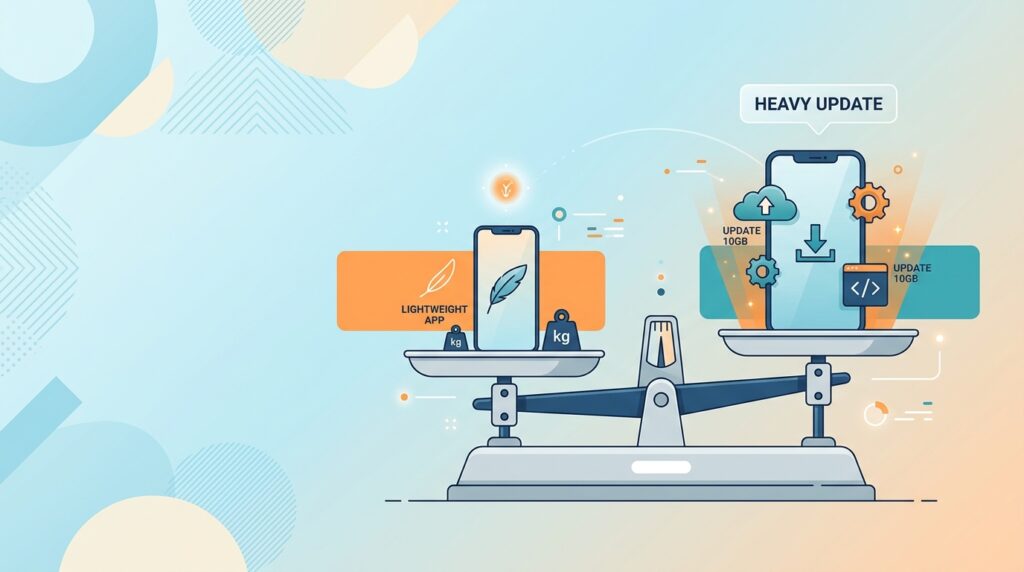
Updating is a good idea in most cases, because a browser that is more up to date handles modern websites and security fixes better. Still, it is worth pausing in these situations.
- Your phone is slow. A larger build may feel heavier.
- You rely on specific behavior. If a particular version works perfectly, keep a copy of its APK before you update.
- You are low on storage. Check the new file size first.
- You are privacy-conscious. New features sometimes request extra permissions. Review them.
A smart habit is to keep the older APK in a folder for a week after updating. If the new build disappoints, you can roll back quickly.
UC Mini App Download Options in 2026
Searches for uc mini app download and ucmini app download usually point to the same three routes.
| Route | Pros | Cons |
|---|---|---|
| Google Play | Scanned and auto-updated | Not available everywhere |
| Verified APK | Choose your version, works without Google services | Manual updates and checks |
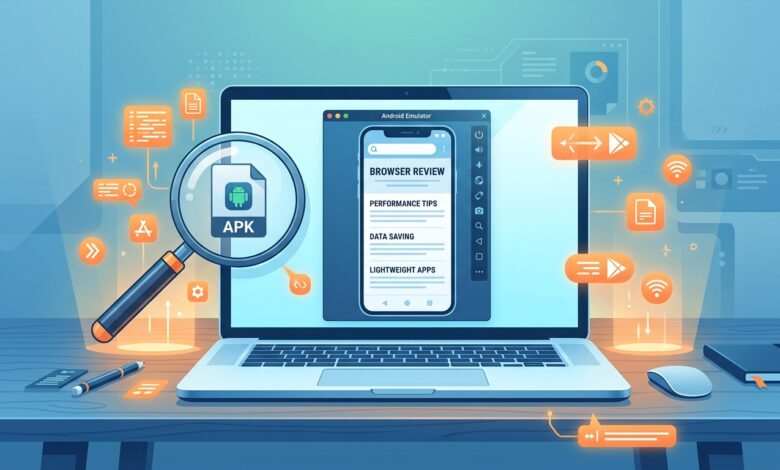
| Emulator on PC | Large screen, good for testing | Setup and resource use |
Our UC Mini APK download page explains the APK route in detail, and the UC Mini Browser download for PC page covers emulators.
Strengths and Weaknesses in 2026
| Strengths | Weaknesses |
|---|---|
| Lightweight compared with big browsers | Promoted content and video tiles can clutter the start page |
| Data saving and ad blocker built in | Larger than the legendary ultra-small builds |
| Free, with a large user base and a 4.3 average listed rating | Past privacy criticism of the UC family |
| Built-in downloads and video tools | Fewer extensions than mainstream browsers |
A Five-Minute Test for Any New UC Mini Build
You do not need lab equipment to judge an update. Try this simple routine after you install a new build, and keep your previous APK handy in case you want to revert.
- Cold start. Close the app fully, then open it and note how long it takes to show the start page.
- Load three familiar sites. Use pages you visit daily so you can compare against your memory of the old build.
- Download a small file. Confirm that it saves where you expect and finishes without stalling.
- Check memory behavior. Open a few tabs and see whether the phone stays responsive.
- Review permissions. Open your phone’s app settings and confirm nothing new was granted that you did not expect.
If three or more of those feel better or equal, keep the new version. If two or more feel worse, roll back and wait for the next release.
Getting the Most from the UC Mini App in 2026
- Use speed mode on the move. It helps most on weak mobile connections.
- Tame the home screen. Reduce promoted tiles so the app feels more like a plain browser.
- Keep a clean cache. Small phones benefit from regular clearing.
- Pair it with a second browser. Use UC Mini for casual reading and a privacy-focused browser for accounts.
- Update on Wi-Fi. Larger builds are better downloaded without using mobile data.
What Users Say About Recent Versions
Because the app has millions of ratings, feedback covers a wide spectrum. Positive comments usually mention speed on modest phones, the convenience of in-app downloads and the small footprint. Critical ones talk about ads, content pushed on the home screen and occasional bugs after updates. Remember that a large rating pool smooths out extremes, so a 4.3 average tells you that most people are satisfied but not that everyone is.
If you are weighing it against the flagship app, UC Browser vs UC Mini sets the two side by side.
Privacy and Safety Notes for 2026
Nothing in the 2026 listings erases the older criticism of the UC family. In 2015, Citizen Lab researchers published findings about unencrypted data transmission in UC Browser, and India banned the main app in 2020. UC Mini is a separate, lighter product, but it comes from the same developer. Our dedicated article, is UC Mini browser safe, lays out what that means in practice.
A few precautions are sensible for any build: use strong passwords, keep banking in a different browser, review permissions and keep the app updated.

FAQ: UC Mini 2026
Is there a new UC Mini app in 2026?
Public listings show updated 12.x builds in early 2026 rather than a brand-new app.
What size is the 2026 build?
Recent listings show builds near 23 MB, with other variants ranging from roughly 14 MB to more than 40 MB.
Does the new version work on old phones?
Not usually. Newer builds need newer Android versions. Check the UC Mini browser FAQ for version and compatibility answers.
Is the ucmini app download free?
Yes, the app is free to download and use.
Final Thoughts
UC Mini in 2026 is a steady, practical browser rather than a flashy one. It rewards people who want a quick, light tool and disappoints those who expect a quiet, ad-free design. Check the file, review the permissions and decide whether an update serves you. For everything else, return to the UC Mini browser download hub, and use the install guide when you are ready to set it up.