You open an Instagram post on your desktop, excitement building, only to face a blank comment section. Comments not showing on Instagram leaves you hanging. What are people saying?
Are you missing out on jokes, debates, or viral reactions? The suspense is maddening, and every second without comments feels like a mystery. In this guide, we’ll uncover the hidden reasons behind this issue and reveal exactly how to restore every comment you’ve been craving to see.
Note that in the Instagram world, you should know that sometimes the content disappears, and if you ever want to keep a post or reel for yourself, check out Instagram’s download tools, like ucmini; it’s very easy to download everything for you.

Why are Instagram Comments Not Showing on Desktop?
There are numerous reasons why comments not showing on Instagram could occur. Understanding these causes is crucial before attempting fixes.
Instagram, while a powerful social media platform, can be affected by a combination of settings, software glitches, or network problems.
Let’s break down the most common scenarios:
1. Instagram Hidden Comments Filter
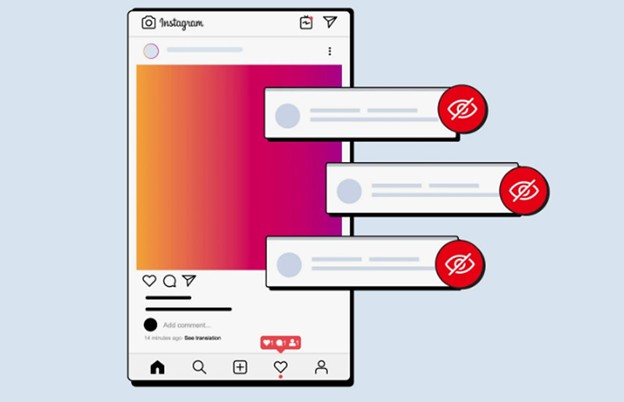
Sometimes, hidden comments filter settings automatically hide comments that contain offensive language or spam-like content. This built-in moderation tool is designed to improve user experience, but may inadvertently hide legitimate comments.
Users can adjust these filters under Instagram comment privacy settings to ensure nothing important is blocked.
2. Blocked or Restricted Account Comments
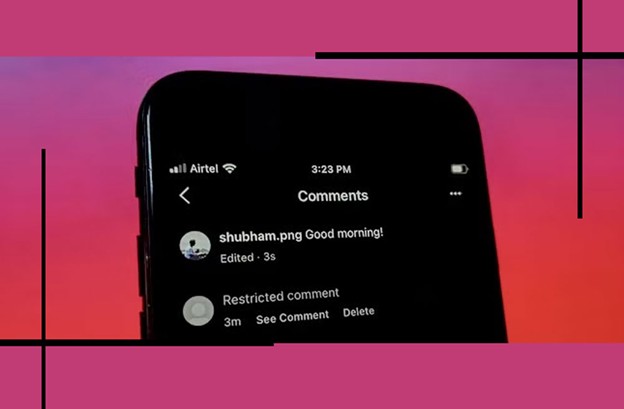
If someone has blocked or restricted your account, you may notice that account comments are no longer visible on certain posts.
Similarly, if the post owner has limited who can comment, you may see an empty section where comments should appear.
3. Sorting Settings: “Most Relevant” vs “Most Recent”
Instagram allows you to sort comments by relevance or recency. The “Most Relevant” vs. “Most Recent” comment sorting option may sometimes hide newer comments, giving the impression that comments are not showing on Instagram. Changing this setting can often reveal comments that were previously hidden.
4. Instagram Comment Moderation, Spam Detection
Instagram has automated Instagram comment moderation settings and spam detection systems.
While these features help maintain a safe environment, they sometimes misidentify legitimate comments as spam. Users experiencing missing Instagram comments may need to check their moderation settings.
5. Browser or Cache Issues
Your desktop browser can cause problems with displaying comments. Clear the cache and browser cache of Instagram comments if they fail to load.
Cached data may prevent the platform from fetching the latest comments. Similarly, browser compatibility issues can also contribute to the problem.
6. Weak Internet Connection
If your network is slow or unstable, or if you have a weak internet connection, Instagram comments may fail to load even if your feed updates; comments are often delayed due to heavier data requirements.
Checking and strengthening your internet connection can resolve the Instagram comment display problem.
7. Instagram Server Outage
Occasionally, the problem isn’t on your end. The Instagram web app comments problem can affect users worldwide. During such times, even the desktop app might fail to display comments properly.
Read more: Interestingly, Instagram problems aren’t always just about comments; sometimes even the Instagram story looks blurry for no reason. If you’re also experiencing blurry stories, this article will help you find the problems.
(10) Solutions to Fix Instagram Comments Not Showing on Desktop
Now that we’ve covered the possible causes, let’s explore actionable solutions to fix comments not showing on Instagram and get your Instagram comments visible again.
- Refresh and Restart: The simplest fix is often the most effective. Refresh the page or restart your browser to resolve temporary glitches.
- Log Out and Log Back In: Logging out and back into Instagram can clear minor authentication issues. This helps resolve problems related to blocked or restricted accounts affecting comment visibility.
- Check Instagram Comment Filters: Inspect your hidden and filtered comments settings. Adjusting filters ensures that offensive or spam-like content does not hide legitimate messages.
- Switch Comment Sorting: Try changing comment sorting; “Most Relevant” vs “Most Recent” to see if newer comments appear.
- Clear Browser Cache: Browser cache data causing Instagram comments issues can prevent comments from displaying. Clearing your cache ensures the latest data is loaded.
- Test Internet Connection: Ensure your connection is stable. Weak Wi-Fi or mobile data can lead to internet issues and a weak connection, causing comments not to load.
- Update Browser: Make sure your browser is up to date. Compatibility issues can lead to Instagram web interface issues and Instagram browser compatibility problems.
- Use a Different Browser or Device: If the problem persists, test comments on a different browser or device.
- Check Instagram’s Status: Visit websites that monitor Instagram’s server health to confirm if a server outage is the reason behind missing comments.
- Adjust Privacy Settings: Verify your privacy settings. Certain privacy restrictions may unintentionally hide comments from specific users or posts.
Preventive Tips to Avoid Comments Not Showing on Instagram
To ensure you never miss out on important interactions, it’s crucial to maintain your browser, app, and account settings properly.
Simple preventive measures can save you from frustration and keep your comment sections visible. Follow these steps:
- Regularly clear your browser cache.
- Keep your browser and desktop app updated.
- Avoid restrictive comment filters unless necessary.
- Monitor Instagram updates to stay aware of changes that may affect Instagram comment visibility.
- Use reliable internet connections.
- Check post-specific settings for hidden comments on Instagram before Instagram comment settings troubleshooting.
How to Tell What Is Causing Instagram Comments Not to Show
Before trying every fix in this guide, you can often narrow down the problem in less than a minute. The key is to check whether the missing comments are related to one specific post, your account, your browser, or Instagram itself.
Start With These Three Quick Tests
Open the same Instagram post on your phone and on your desktop. Then try another Instagram post on your desktop.
| What you see | Most likely cause |
|---|---|
| Comments work on your phone but not desktop | Browser or Instagram Web issue |
| No comments work on any post | Account, browser, network, or Instagram issue |
| Only one post has missing comments | Post-specific settings or moderation |
| Comments appear in another browser | Browser settings or extension |
| Comments appear in Incognito mode | Browser extension or stored site data |
| Comments are missing everywhere | Possible Instagram-side problem |
This simple comparison can save you from changing account settings that were never causing the problem in the first place.
Test Instagram Without Your Browser Extensions
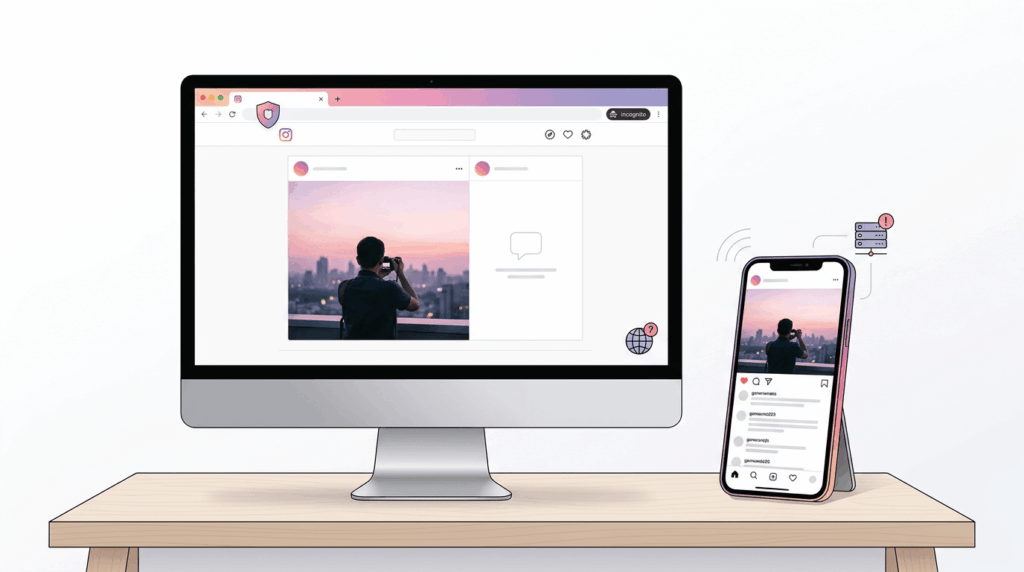
Browser extensions are easy to overlook. Ad blockers, privacy tools, script blockers, and other extensions can sometimes interfere with the scripts Instagram uses to load dynamic content. This is especially relevant when the post itself loads normally but the comments remain blank.
The fastest test is to open Instagram in an Incognito or Private window. If comments suddenly appear, your Instagram account is probably fine. The problem is more likely related to an extension, cached data, or a browser setting.
You can then disable extensions one at a time instead of turning everything off permanently. This helps identify the extension causing the conflict.
Check Whether the Problem Follows Your Account
There is another useful test if comments still do not appear. Try viewing the same post while logged out, in a private browser window, or from another account you control.
If comments appear when you are logged out but disappear after signing in, the problem may be connected to your account or its settings. If comments remain missing regardless of the account, the browser, network, or Instagram Web itself becomes a more likely explanation.
Also remember that not every missing comment is a technical problem. A post owner can limit or disable commenting, while Instagram’s moderation and filtering systems can affect which comments are displayed.
When the Problem Is Probably Instagram
If comments are missing across multiple posts, multiple browsers, and different accounts or devices, stop changing your browser settings. At that point, there may be an Instagram-side problem.
Instagram Web issues have been reported where posts load normally but comments fail to appear, while the same content remains accessible through another device or platform.
In this situation, repeatedly clearing your cache or changing privacy settings is unlikely to help. Wait a little while, refresh Instagram, and check whether the problem affects other users as well. If everything else on Instagram works normally except comments, a temporary platform issue is a reasonable possibility.
A Simple Troubleshooting Order
Instead of trying all 10 fixes randomly, use this order:
1. Refresh the post
2. Open Instagram in Incognito or Private mode
3. Try another browser
4. Check the same post on your phone
5. Disable extensions if Incognito works
6. Check whether other posts have the same problem
7. Check your account and comment settings
8. Consider an Instagram-side outage or temporary bug
This approach helps you identify the source of the problem before making unnecessary changes. In most cases, the difference between “comments are missing everywhere” and “comments are missing only on this post” is the most useful clue.
Conclusion
In short, missing comments on Instagram desktop can stem from filters, privacy settings, browser issues, or even server outages. By following the right steps, you can restore visibility and never miss a reaction. Remember, taking control of your comments not showing on Instagram experience ensures you stay connected and engaged with conversations.
Tell us your story! Have you ever faced this frustrating Instagram comment problem? Speak up now! Which solution worked best for you to fix hidden comments? Comment now! Don’t keep your thoughts to yourself; tell us how you handle Instagram comment issues!
Why do some Instagram comments appear and then disappear on my desktop?
Comments may temporarily vanish due to Instagram’s spam detection or moderation systems. Refreshing the page or checking the hidden comment settings usually resolves this issue.
Can browser extensions prevent Instagram comments from showing?
Yes, certain ad blockers or privacy extensions can interfere with comment loading. Disabling them or using an incognito window often fixes the problem.
Do desktop Instagram updates affect comment visibility?
Absolutely. Older browser versions or outdated web apps may fail to display comments properly. Always update your browser to the latest version for full Instagram comment functionality.
Is it possible that I can’t see comments because of Instagram account restrictions?
Yes, if the post owner restricted who can comment or if your account is limited, comments may be hidden. Checking privacy settings or using another account can confirm this.
Why do some posts load comments slowly or partially on desktop?
Slow comment loading is usually due to network issues or heavy data on a post.