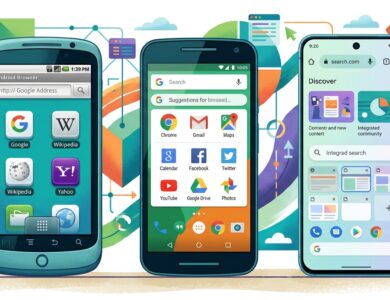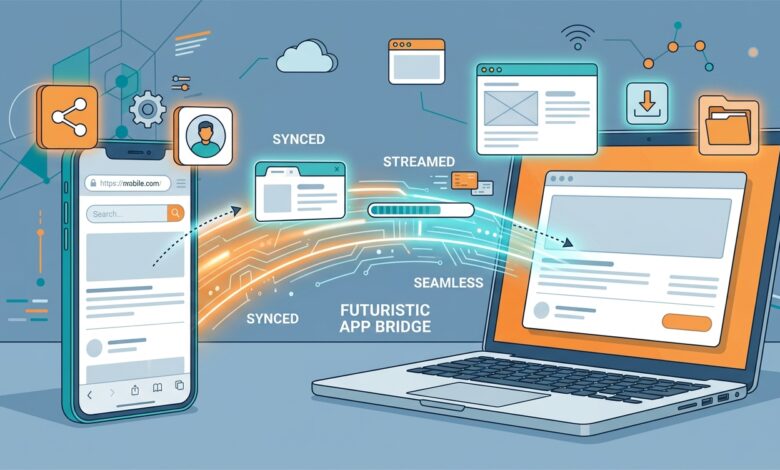
If you typed UC Mini Browser download for PC into a search bar, you probably expected a simple installer. Here is the honest situation: UC Mini is an Android app, and it does not have an official Windows version. That does not mean you are out of luck. With an Android emulator you can run the app in a window on your computer, and with a few sensible alternatives you can skip it entirely. This guide covers both routes, step by step. For the broader overview of every platform, read our main UC Mini browser download guide.
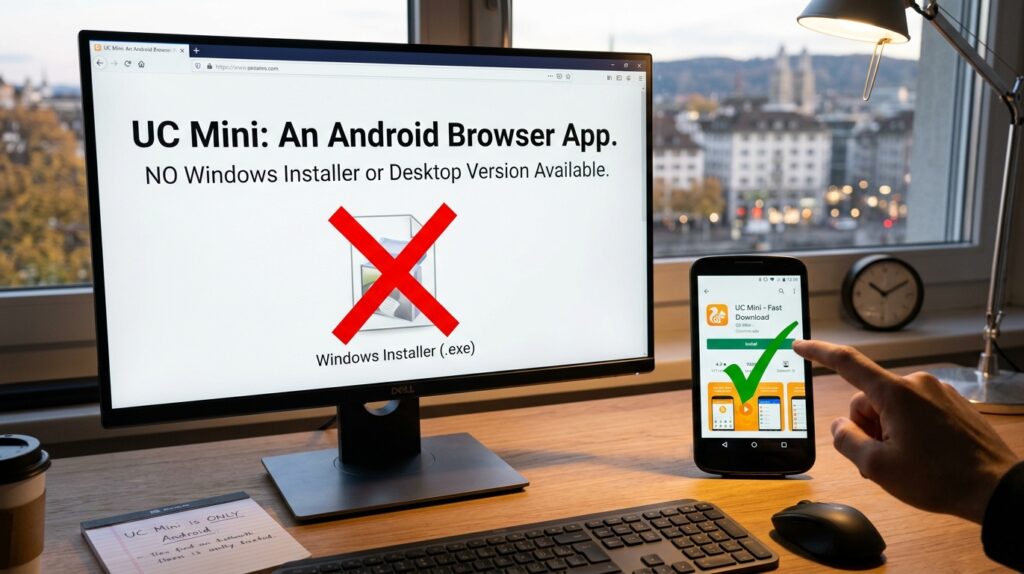
Quick answer: there is no official UC Mini installer for Windows or Mac. To use it on a computer, install an Android emulator, then add the UC Mini APK (package name com.uc.browser.en) inside the emulator. The emulator needs a reasonably modern PC with virtualization turned on.
Is There an Official UC Mini for PC?
No. UCWeb has historically published UC Mini for Android as a compact phone browser. A separate desktop edition of UC Browser for Windows has existed, and download portals still list several 5.x Windows builds supporting Windows 7, 8 and 10. Those are different products, many of them dated, and they should not be confused with UC Mini.
That is why many “UC Mini for PC” pages online are really guides to emulators or to unrelated installers. If a site offers a Windows .exe that claims to be UC Mini, treat it with suspicion. Our safety guide explains how to judge a download source.
Your Options at a Glance
| Option | Difficulty | Best for | Main drawback |
|---|---|---|---|
| Android emulator plus UC Mini APK | Medium | People who want the exact mobile app | Uses more memory and takes setup time |
| Desktop edition of UC Browser | Easy | Quick tests on older Windows | Different product, builds are old |
| Mainstream desktop browser | Very easy | Daily browsing on PC | No UC-specific features |
How to Run UC Mini on a PC with an Android Emulator
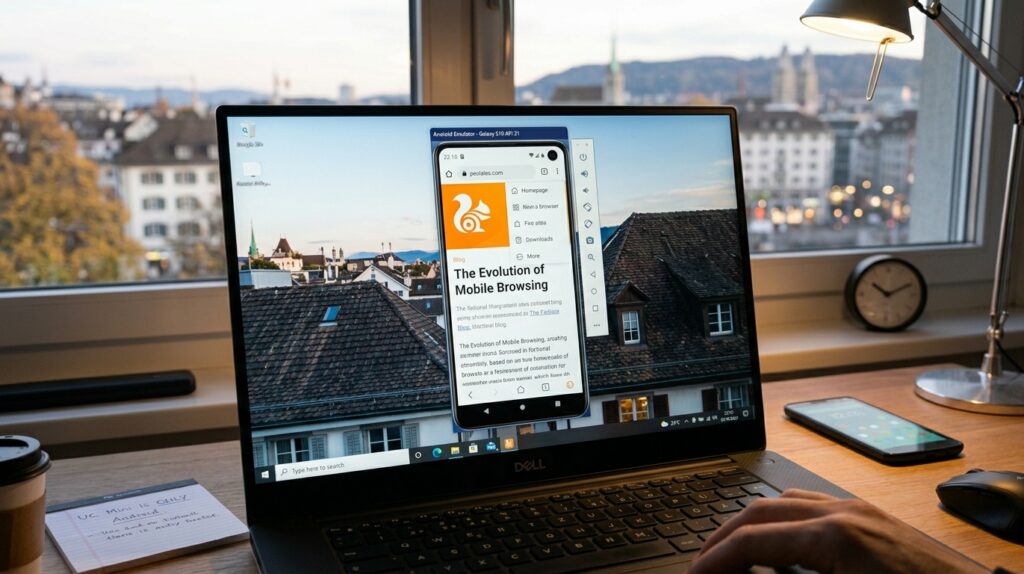
An emulator creates a virtual Android phone inside a window. Popular choices include BlueStacks and LDPlayer, and developers often use the emulator included with Android Studio. Each has its own installer and requirements, so check the current system requirements on the emulator’s own website before you begin.
Step 1: Check your computer
Most emulators run best with several gigabytes of RAM, free disk space and hardware virtualization enabled. If the emulator warns you about virtualization, you may need to switch it on in your computer’s BIOS or UEFI settings. It sounds scary, but it is usually a single toggle.
Step 2: Install the emulator
Download the emulator only from its official website. Imitation installers are a common source of unwanted software.
Step 3: Add the UC Mini APK
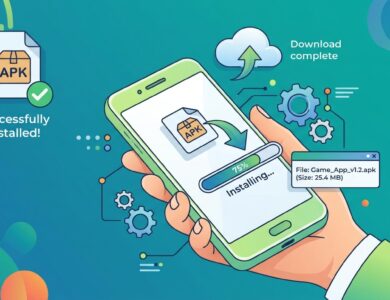
Most emulators let you drag an APK file into the window or use a built-in “install APK” button. Make sure the file matches the Android version that your emulator is running. Use our UC Mini APK download guide to choose and verify the file.
Step 4: Open UC Mini and adjust settings
Launch the app from the emulator’s home screen. Turn on the ad blocker, review permissions and set your preferred search engine. These steps mirror what you would do on a phone, and the full walkthrough is in our UC Mini Browser install page.
Emulator Performance Tips
- Give the emulator a sensible amount of memory, but leave enough for Windows itself.
- Close heavy programs while the emulator runs.
- Choose a lightweight Android version inside the emulator if you are offered a choice.
- Keep graphics drivers up to date.
- Restart the emulator now and then to clear built-up memory.
Pros and Cons of Using UC Mini on PC
| Pros | Cons |
|---|---|
| Same app and features as on a phone | Setup takes longer than installing a normal desktop browser |
| Larger screen for reading and video | Emulators consume RAM and CPU |
| Useful for testing how pages look in a mobile browser | Mouse and keyboard can feel awkward in a mobile interface |
| Free to try | Another layer of software means more to keep updated |
Better Reasons to Use It, and Better Alternatives
Before you commit to the setup, it helps to know what the current build offers. Our overview of UC Mini 2026 lists the features and file sizes you can expect.
Honestly, UC Mini is designed for small phones, so on a PC its main value is curiosity or testing. If you simply want a fast browser for daily work, a desktop browser will give you extensions, sync and better security updates. If you like the UC style, the older Windows desktop edition of UC Browser might satisfy you, but remember the age of those builds.
Here is a rule of thumb that works well:
- Testing mobile pages or apps: use the emulator route.
- Daily browsing on a PC: use a mainstream desktop browser.
- Nostalgia or curiosity: try the emulator with a stable build.
What Changes When UC Mini Runs on a Computer?
The app behaves like the phone version, but a few things feel different. Touch gestures become mouse clicks, so swipe-based features can be fiddly. Video gestures, which are handy on a phone, matter less on a PC. Data saving also loses most of its appeal, because desktop connections are rarely metered the way mobile plans are. In practice, people who run UC Mini on a PC tend to value two things: a mobile-style view of websites and the familiar download manager.
Can You Use UC Mini on a Mac or Chromebook?
The answer depends on the emulator or compatibility layer you choose. Some emulators publish Mac editions, and some Chromebooks can already run Android apps natively. In both cases the principle is the same: you install the Android APK inside an Android environment. Because requirements change as those tools update, always read the vendor’s current instructions rather than relying on an old tutorial.
Privacy and Safety on PC
Emulators often ask you to sign in with an account to reach app stores. Consider using a secondary account instead of your main one. Keep sensitive logins out of the emulated browser, just as you would on any lightweight phone browser. Researchers have raised privacy concerns about the UC family over the years, and we summarize the history in is UC Mini browser safe.

Troubleshooting UC Mini on PC
| Problem | Possible fix |
|---|---|
| Emulator will not start | Enable virtualization in your BIOS or UEFI settings and update graphics drivers |
| APK will not install | Choose a build that matches the emulator’s Android version |
| App is very slow | Increase allocated memory and close other programs |
| Text looks tiny | Change the emulator’s resolution or DPI setting |
| Downloads do not appear in Windows | Use the emulator’s shared folder or file transfer option |
Still stuck? Our UC Mini browser FAQ collects the most common questions in one place.
FAQ: UC Mini Browser Download for PC
Can I download UC Mini browser for PC directly?
Not as an official installer. The app is for Android, so a PC needs an emulator.
Is UC Browser for Windows the same as UC Mini?
No. They are separate products. See UC Browser vs UC Mini for the differences.
Do I need the Play Store inside the emulator?
Not necessarily. You can often install an APK directly without signing in.
Will it work on a Mac?
Some emulators offer Mac versions, though availability and performance vary. Check the emulator’s current requirements first.
Final Thoughts
You cannot grab a native Windows installer for UC Mini, but you can run the real app with an emulator in a few steps. Verify the APK, keep your account details separate and decide whether a regular desktop browser might suit you better. When you are ready to continue, our main UC Mini browser download guide links to every other route, including the UC Mini download old version options for aging devices.