UC Mini Browser Download: The Complete Guide to APK, Latest Version, PC & Safe Install (2026)

If you are hunting for a UC Mini browser download that actually works on your phone, you are in the right place. UC Mini is the featherweight sibling of the better-known UC Browser, built for Android phones with limited storage, slow connections and modest hardware. This guide walks you through every route: the standard Android install, the UC Mini APK download, older builds for ancient handsets, and the workaround for PC. We also cover safety, honest pros and cons, and the problems people actually run into.
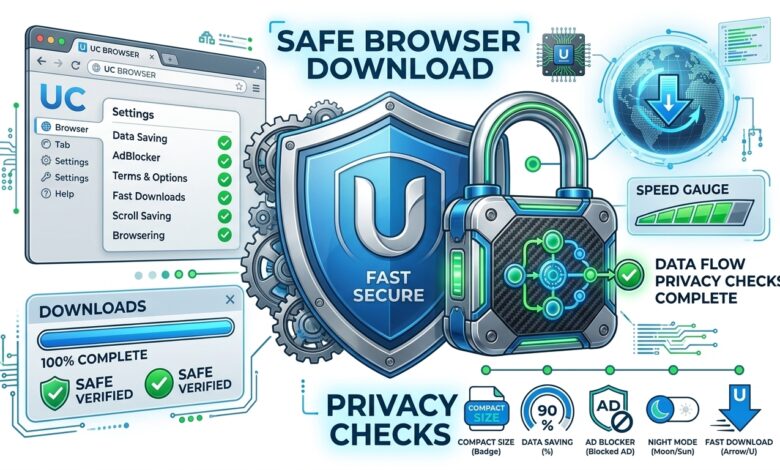
Quick answer: UC Mini is a small, free Android browser from UCWeb that focuses on speed, data saving and a built-in ad blocker. You can get it from Google Play when it is available in your region, or install the APK file manually. It does not have an official Windows version, so on a computer you run it through an Android emulator. Always check the package name com.uc.browser.en before you install anything.
What You Will Find in This Guide
- What is UC Mini browser?
- A short history of UC Browser and UC Mini
- Key features that still matter
- How UC Mini saves data and speeds up pages
- Which UC Mini download should you pick?
- How to download UC Mini browser on Android
- UC Mini APK download: what to know first
- UC Mini for old phones
- UC Mini on PC
- UC Browser vs UC Mini
- Who should use it?
- Pros and cons
- Is it safe?
- UC Mini in 2026
- What real users say
- Best settings after install
- Download checklist
- Troubleshooting common problems
- Alternatives worth knowing
- Frequently asked questions
What Is UC Mini Browser?
UC Mini, officially listed on Google Play as “UC Mini-Download Video Status” by UCWeb Singapore, is a lightweight mobile web browser. It descends from UC Browser, the app that became hugely popular across India, Southeast Asia and parts of Africa during the early smartphone boom, largely because it loaded pages quickly on weak networks. UCWeb, the company behind it, belongs to the Alibaba Group.
The “Mini” idea is simple. Instead of packing every feature into a heavy app, the developers trimmed the package down so it installs quickly, opens instantly and leaves room on phones where every megabyte counts. Historic store descriptions advertised a package of roughly 12 MB, and while recent builds have grown, they are still far smaller than most mainstream browsers.

Think of it as a practical tool rather than a showpiece. It will not rival a flagship browser on extensions or sync, but it earns its place on phones with 1 or 2 GB of RAM, limited storage and expensive mobile data. That is exactly the audience that keeps searching for ucmini download, ucmini browser download and download ucmini browser year after year.
A Short History of UC Browser and UC Mini
UC Browser began as a mobile browser from China’s UCWeb and spread quickly through markets where feature phones and early Android devices dominated. Its pitch was practical: pages that opened faster and cost less data. Later, UCWeb became part of Alibaba, and the product line grew into several editions, including the main UC Browser, UC Browser HD and the compact UC Mini.
The store descriptions for UC Mini still cite a handful of older accolades, including a mobile browser award from About.com in 2011, a best Android browser award in 2012 and a market-leadership award from Frost & Sullivan in 2013. Treat those as historical context rather than a current endorsement, since they are more than a decade old. What matters today is how the app behaves on your phone, which is why the rest of this guide focuses on real-world use, not trophies.
Over the years the “mini” label has stretched a little. Early packages were only a couple of megabytes. Newer builds include more services, such as video features and navigation cards, so they are bigger. The browser is still compact by modern standards, but if you remember the ultra-tiny releases, expect today’s file to be noticeably larger.
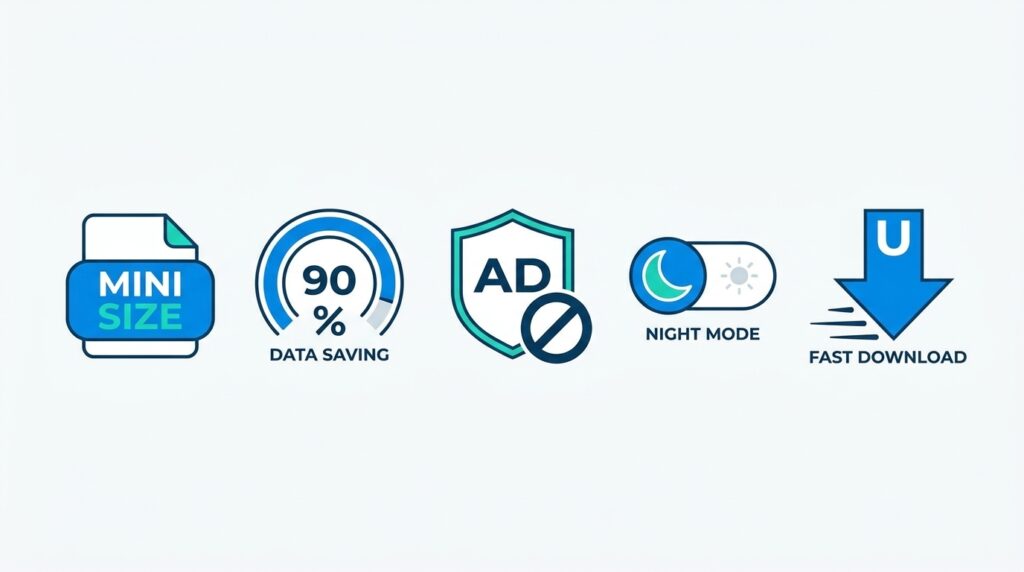
Key Features of UC Mini Browser
The store listing and version notes across the years point to a consistent set of core features. Here is what they mean in everyday use.
Tiny installation size
This is the headline feature. A small package means a faster install, less storage pressure and quicker cold starts. If your phone constantly warns you about low space, a compact browser is a sensible choice.
Data saving and speed mode
UC Mini compresses pages to reduce how much data your phone downloads. Version notes from around the 11.x releases also mention a speed mode menu that bundles data saving, a text-only option and ad blocking. On a slow or capped connection, that combination can make pages open faster and cost less.
Built-in ad blocker
Ad blocking sits right in the settings. It will not catch everything, and you should not expect it to behave like a dedicated blocker, but it trims a good share of banners and pop-ups on ordinary websites.
Incognito and night mode
Incognito browsing keeps your history off the device, and night mode softens the screen for reading in the dark. Both are standard expectations now, and UC Mini includes them.
Smart downloading and video handling
The browser includes its own download manager and gesture controls for video playback. Many people use it mainly for fetching files and watching short videos on low-end phones.
How UC Mini Saves Data and Speeds Up Pages
The data-saving trick behind UC Mini is worth understanding, because it explains both the speed and the privacy debate. Instead of fetching every page element directly, compression-style mobile browsers typically ask a remote service to prepare a lighter version of the page first. Images get squeezed, scripts get trimmed and heavy elements can be skipped. Your phone then downloads far fewer bytes. Reviews on APK repositories describe exactly this: server-side compression that cuts data use and shortens load times.
On a congested 3G or weak 4G connection, the difference can be dramatic. A news article that stalls in a standard browser may open in a couple of seconds in speed mode. On fast Wi-Fi, the gap shrinks, and you may not notice much at all. That is why many people keep the feature on while commuting and switch it off at home.
There is a trade-off, though. When pages pass through an intermediary, that intermediary can in principle see more of your traffic than a direct connection would reveal. This is one reason privacy-minded readers should read the safety section below before deciding how much to rely on the feature, and why we suggest keeping banking and email in a different browser.
Which UC Mini Download Should You Pick?
Not every phone and every situation calls for the same file. This is where most readers get stuck, because UC Mini exists as many builds, from tiny legacy packages to larger modern ones. The table below sorts the options by what you are trying to do.
| Your situation | Best option | Where to read more |
|---|---|---|
| Modern Android phone, want the newest build | Latest 12.x release | UC Mini APK download |
| Very old Android (4.x or earlier) | Legacy 10.x or 11.x build | UC Mini download old version |
| Windows or Mac computer | Android emulator plus the APK | UC Mini Browser download for PC |
| Not sure how to install an APK | Step-by-step install | UC Mini Browser install guide |
| Worried about privacy | Read the safety review first | Is UC Mini Browser safe? |
If you only remember one rule, make it this: match the file to your Android version, not to the biggest number you can find. A new build on an old phone often crashes, and an old build on a new phone misses security fixes.
How to Download UC Mini Browser on Android
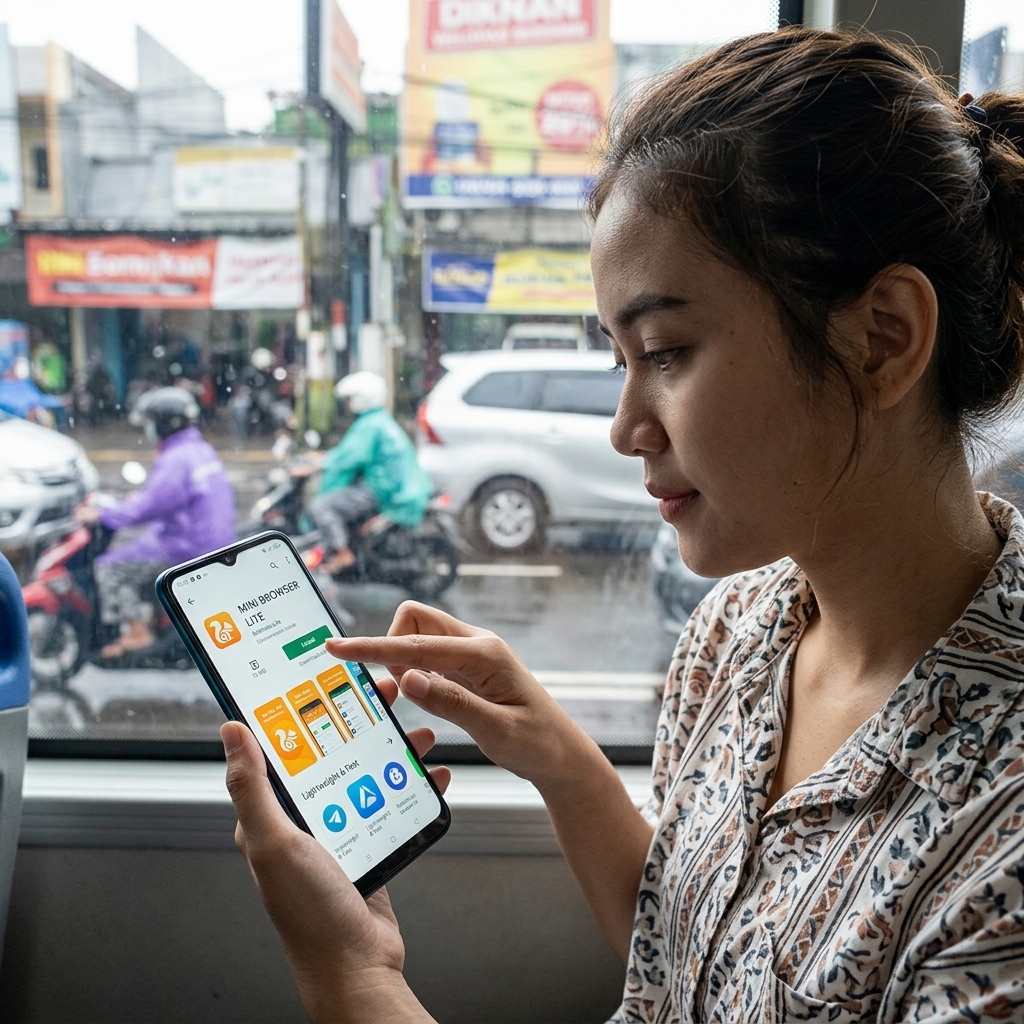
The easiest way to download UC Mini browser is through the official store listing, when it is available for your device and country. Here is the short version.
- Open Google Play on your phone and search for “UC Mini”.
- Check that the developer reads UCWeb Singapore Pte. Ltd. and the package belongs to
com.uc.browser.en. - Tap Install and wait for the download to finish. The app is small, so this usually takes under a minute on a decent connection.
- Open the app, accept the permissions you are comfortable with, and choose your preferred search engine.
Google Play is not available on every phone, and some regions see different listings. In those cases people turn to an APK file, which brings us to the next section. If you would like a fuller walkthrough of the sideloading steps, see our guide on how to install UC Mini browser safely.
UC Mini APK Download: What to Know First
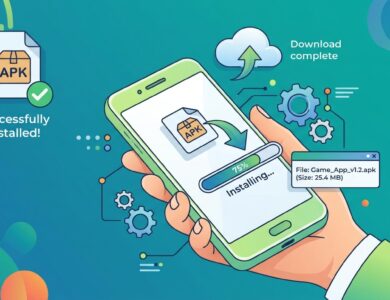
An APK is Android’s installer format. A UC Mini APK download lets you install the browser even when the Play Store listing is missing, outdated or blocked in your region. It also lets you pick a specific version, which is useful if a newer update does not suit your phone.
The flexibility comes with responsibility. Because an APK lives outside the store’s automatic checks, you need to verify what you are installing. Three habits keep you out of trouble:
- Check the package name. The genuine app uses
com.uc.browser.en. Imitations often use odd variations. - Compare file size and version. Reputable mirrors list the version number and size. Recent 12.x builds have appeared in listings at roughly 23 MB, while older generations were far smaller.
- Scan before you open. Google Play Protect and a trusted mobile security app can both inspect a sideloaded file.
Our dedicated page on the UC Mini APK download goes deeper, including how to spot fake files, how to tell which build suits which phone, and what the file-size differences mean. If your main goal is speed, see the tips for a UC Mini fast download on that page too.
UC Mini APK vs Play Store version
| Point of comparison | Play Store install | APK install |
|---|---|---|
| Automatic updates | Yes | Manual, unless you reinstall |
| Built-in scanning | Yes | Only what you add yourself |
| Choose a specific version | No | Yes |
| Works without Google services | No | Yes |
| Region restrictions | Possible | Rarely |
UC Mini for Old Phones
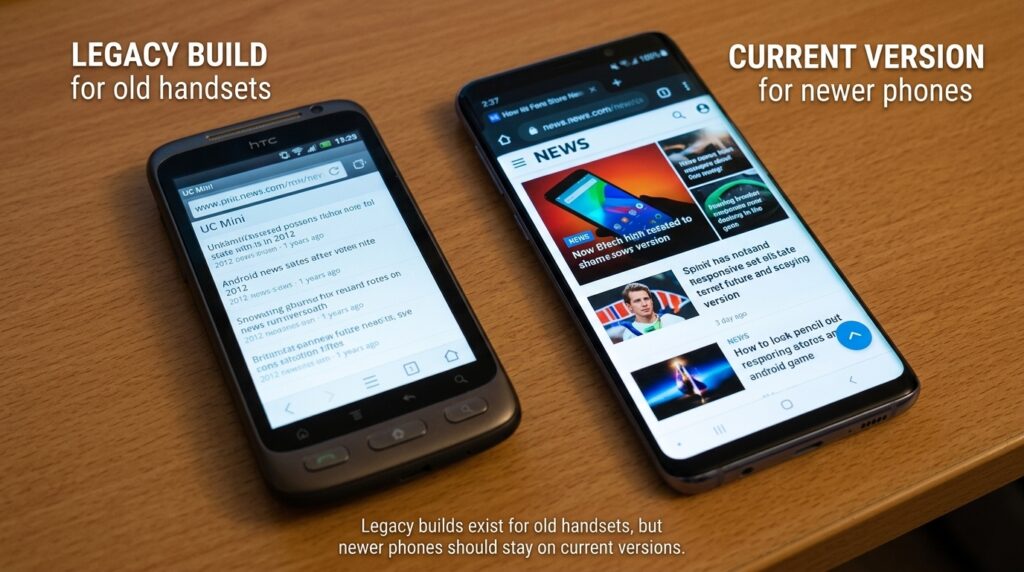
Here is where UC Mini genuinely stands out. Archive listings show that early 10.x builds supported Android 2.1 to 2.3 and weighed under 2 MB, while the 11.x generation required Android 4.0 or higher and the 12.9 line moved up to Android 5.0. That means a surprising range of older handsets can still run some version of the browser.
Still, running an old build online carries risk, because outdated browsers miss modern security patches and may fail on websites that insist on newer web standards. Use legacy builds for light reading and basic tasks, never for banking or anything sensitive. We lay out which build matches which Android version in our guide to the UC Mini download old version options.

UC Mini on PC: Is It Possible?
Let’s clear up a common misunderstanding. UC Mini is an Android app. There is no official UC Mini installer for Windows. There has been a separate desktop edition of UC Browser for Windows in the past, but it is a different product, and the Windows builds you find on download portals are mostly dated.
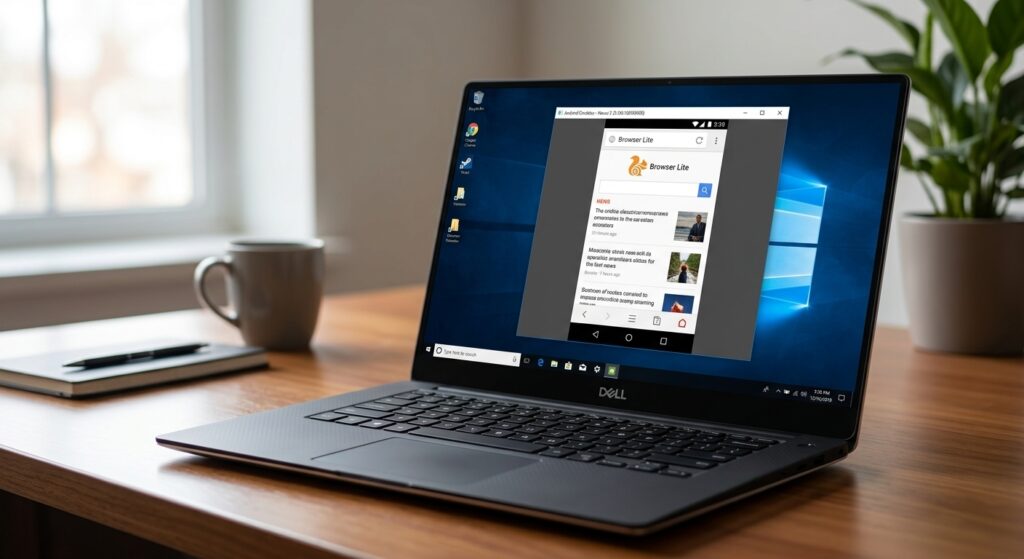
If you still want UC Mini on a computer, the standard workaround is an Android emulator. You install the emulator, add the APK, and the app runs inside a window. This is handy for testing, for large-screen browsing or for people who simply like the interface. Our detailed walkthrough for UC Mini Browser download for PC explains emulator choices, memory requirements and common pitfalls.
UC Browser vs UC Mini: What Is the Difference?
People often search for ucbrowser download or uc browser apk when they actually want the smaller app, or the other way around. The two share a family name and a visual style, but they are built for different devices.
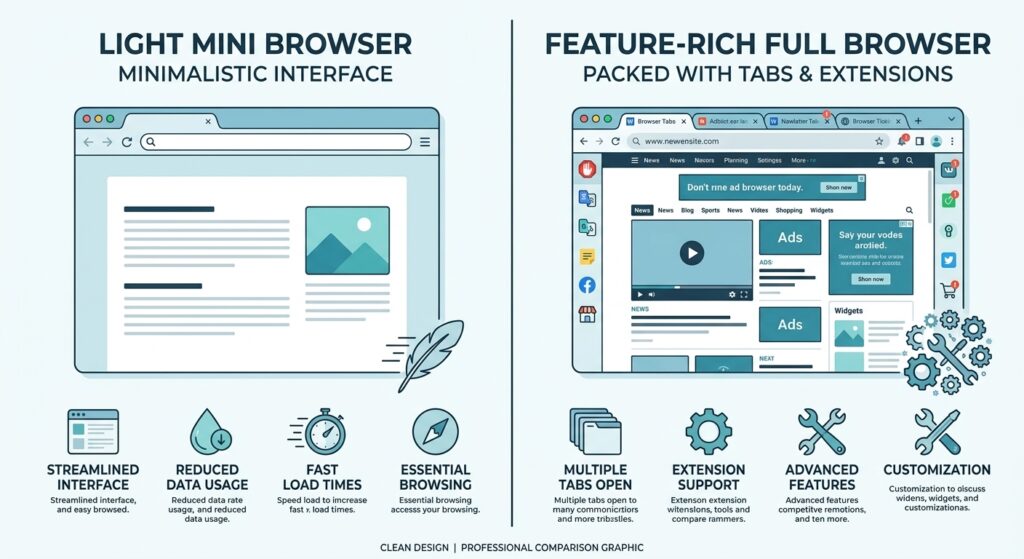
| Feature | UC Mini | UC Browser |
|---|---|---|
| Target device | Low-end and storage-limited phones | Average to high-end phones |
| Install size | Smaller | Larger |
| Feature depth | Core browsing, ad block, downloads | More extras and content tabs |
| Memory use | Lower | Higher |
| Best for | Speed and saving data | Feature variety |
If you are still undecided, our full comparison, UC Browser vs UC Mini, breaks down speed, size, privacy and features in more detail, and also covers the ucbrowser app download routes.
Who Should Use UC Mini, and Who Should Skip It?
Every browser suits some people better than others. A quick self-check can save you a download.
UC Mini is a good fit if you…
- own a budget or older Android phone with limited storage and memory;
- pay for mobile data by the megabyte or live with a small monthly cap;
- mostly read articles, watch short videos and download files rather than juggle dozens of tabs;
- want a second browser for casual use, separate from your sensitive accounts.
You may want something else if you…
- need browser extensions, cross-device sync or password management;
- are strict about privacy and prefer open-source tools;
- dislike promoted content on the start page;
- use your phone for banking, work email or other sensitive logins in the same browser.
Being honest about this split is not a sales weakness. It builds trust, and readers who choose the right tool end up happier with the result.
Pros and Cons of UC Mini
| Strengths | Weaknesses |
|---|---|
| Small package, quick install | Contains in-app ads and promoted content |
| Data saving and speed mode | Interface can feel dated next to modern browsers |
| Built-in ad blocker, incognito and night mode | Fewer advanced features than larger browsers |
| Runs on a wide range of Android versions | Privacy history of the UC family raises valid questions |
| Free to use | Availability on official stores varies by region |
In plain terms, UC Mini rewards you if your priority is a tiny, fast browser on modest hardware. It disappoints if you want a polished, privacy-first experience. Knowing that up front saves you from picking the wrong tool.
Is UC Mini Browser Safe?
This is the question we get most, and it deserves a straight answer rather than marketing language. The UC family has a documented history of privacy and security criticism. In 2015, researchers at the University of Toronto’s Citizen Lab published a report examining the Android version of UC Browser, criticizing how it sent identifying information and search queries without effective encryption. Alibaba supplied updated versions in 2016, and a follow-up analysis said not every issue had been fixed. India banned UC Browser in June 2020 alongside many Chinese-owned apps, citing data and security concerns.
That context matters, but it needs balance. Those findings concern specific versions from years ago, and the main UC Browser app rather than UC Mini alone. UC Mini is still listed on Google Play, where tracking sites show a rating of around 4.3 across millions of reviews. A sensible approach is to treat it like any browser from a large commercial developer: avoid logging into sensitive accounts, keep permissions tight, and keep the app updated.
For a complete breakdown of permissions, privacy settings and safe-download checks, read is UC Mini browser safe. If you want to browse the history yourself, the Citizen Lab report on UC Browser and the UC Browser overview on Wikipedia are good starting points.
UC Mini in 2026: What Has Changed?
The UC Mini 2026 story is mostly one of steady maintenance. APK repositories show 12.x builds uploaded in March and April 2026, and the Google Play listing shows an update in March 2026. File sizes in recent listings sit around 23 MB, which is larger than the classic “tiny” builds but still compact. The core idea has not changed: a quick browser that saves data and keeps things simple.
Rather than promising features we cannot verify, we suggest checking the release notes on whatever source you download from. Our page on UC Mini 2026 tracks what the current builds include and how to judge whether an update is worth installing. It also covers the ucmini app download options for newer devices.
What Real Users Say
We prefer reporting patterns over inventing quotes, so here is a fair summary of what users tend to mention on app listings, review sites and phone-forum threads.
- Praise: fast page loads on weak connections, a small footprint, and a helpful download manager.
- Complaints: intrusive ads and promoted tiles on the start page, occasional crashes after updates, and a sense that the interface looks old-fashioned.
- Mixed feelings: some users love the video features, while others dislike how much content the home screen pushes at them.
- Device-specific issues: older phone owners sometimes report download or storage hiccups, which is why picking a matching version matters.
The takeaway is that satisfaction tracks expectations. People who want a lean tool for an inexpensive phone are usually happy. People who expect a premium, ad-free experience are not.
Best Settings to Change After You Install UC Mini
The default setup is built for convenience, not for restraint. Five minutes of tweaking makes the browser feel cleaner and safer.
- Turn on the ad blocker. Open the settings menu and enable ad blocking so banners and pop-ups are trimmed from the start.
- Review permissions. Release notes from some versions mention extra permissions such as approximate location and Bluetooth for new features. If you do not use those features, deny or revoke them in your phone’s app settings.
- Choose your own search engine. Pick one you trust instead of accepting the default.
- Trim the home screen. Hide or reduce the navigation cards and promoted tiles if they distract you.
- Clear history and cache regularly. This keeps storage in check on small phones and removes stale data.
- Use incognito mode for private tasks. It will not make you anonymous online, but it keeps local history off the device.
These small steps address most of the complaints users raise, from clutter to privacy worries.
Troubleshooting Common UC Mini Problems
| Problem | Likely cause | What to try |
|---|---|---|
| “App not installed” message | Wrong build for your Android version, or a conflicting older install | Uninstall the old copy, then install a version that matches your phone |
| Install blocked | Unknown sources disabled | Allow installs for the specific app you used to open the file |
| App keeps crashing | Corrupt cache or incompatible update | Clear cache, restart, or reinstall a stable version |
| Downloads stall | Low storage or a weak network | Free up space and try a smaller file first |
| Too many ads | Start-page tiles and promoted content | Turn on the ad blocker and trim the home screen cards |
For a longer checklist, see our UC Mini browser FAQ and the install walkthrough at UC Mini Browser install.
UC Mini Download Checklist: 8 Checks Before You Tap Install
| # | Check | Why it matters |
|---|---|---|
| 1 | Know your Android version | Prevents “App not installed” errors and crashes |
| 2 | Confirm the package name com.uc.browser.en |
Filters out imitation files |
| 3 | Read the version number and size | Helps you spot suspicious or mislabeled files |
| 4 | Prefer the official store when available | Automatic scanning and updates |
| 5 | Download over a stable connection | Avoids corrupted files |
| 6 | Scan the APK with a trusted security app | Catches known malware signatures |
| 7 | Allow unknown sources only for one app, then switch it off | Limits exposure to unwanted installs |
| 8 | Review permissions on first launch | Keeps the app from collecting more than it needs |
Run through these eight checks once and the whole process becomes routine. It takes less time than it took you to read this table.
Alternatives Worth Knowing
UC Mini is not the only light browser, and being honest about that helps you choose well. Opera Mini is the classic data-saving alternative. Firefox Focus leans toward privacy and minimal tracking. Via Browser is another tiny Android option. If privacy is your top concern, one of those may fit better, while UC Mini suits people who want its specific mix of speed, video handling and download tools.
| Browser | Best known for | Consider it if… |
|---|---|---|
| UC Mini | Small size, speed mode, built-in downloads | You want a light all-rounder for an older phone |
| Opera Mini | Server-side data saving | Your priority is stretching a small data plan |
| Firefox Focus | Minimal, privacy-oriented browsing | You want fewer trackers and a simple interface |
| Via Browser | Very small, simple design | You want the leanest possible install |
None of these is universally better. The right pick depends on whether you value saving data, protecting privacy or keeping the interface as simple as possible.
Frequently Asked Questions About UC Mini Browser Download
Is UC Mini browser download free?
Yes. The app is free, and it is supported by ads and promoted content inside the app.
What is the difference between UC Mini and UC Browser?
UC Mini is the smaller, lighter app made for low-end phones. UC Browser is the larger flagship with more features. See UC Browser vs UC Mini for the full comparison.
Can I download UC Mini browser for PC?
Not officially. You can run the Android app through an emulator, which we explain in our UC Mini Browser download for PC guide.
Is the UC Mini APK file safe?
It can be, if you verify the package name com.uc.browser.en, check the version and size, and scan the file. Avoid random mirrors with no version details.
Which version works on old Android phones?
Older 10.x and 11.x builds support very old Android versions, while newer 12.x builds expect more recent ones. Our page on the UC Mini download old version options helps you match them.
How do I install UC Mini after downloading the APK?
Open the file, allow installation from that source when your phone asks, and confirm. Our UC Mini Browser install guide covers every step.
Does UC Mini have a UC Mini 2026 update?
Recent listings show 12.x builds uploaded in early 2026. Details are on the UC Mini 2026 page.
Where can I find more answers?
Visit the UC Mini browser FAQ for quick answers to the most common download and install questions.
Final Verdict: Should You Download UC Mini?
If you own a budget phone, live with a small data plan or just want a fast, light browser, a UC Mini browser download is a reasonable choice. Download it from a trustworthy source, verify the package name, keep permissions tight and avoid sensitive logins. If you want a polished, privacy-first browser with a large feature set, a bigger browser will serve you better.
Ready to go further? Start with the UC Mini APK download page, check the install guide, and keep the FAQ handy. And if you are comparing options, our UC Browser vs UC Mini article will help you settle the decision.